Free worldwide shipping
Free returns
Carbon neutral
Secure payments
🚗 The Easiest Car Upgrade You'll Ever Make , Under 10 Minutes
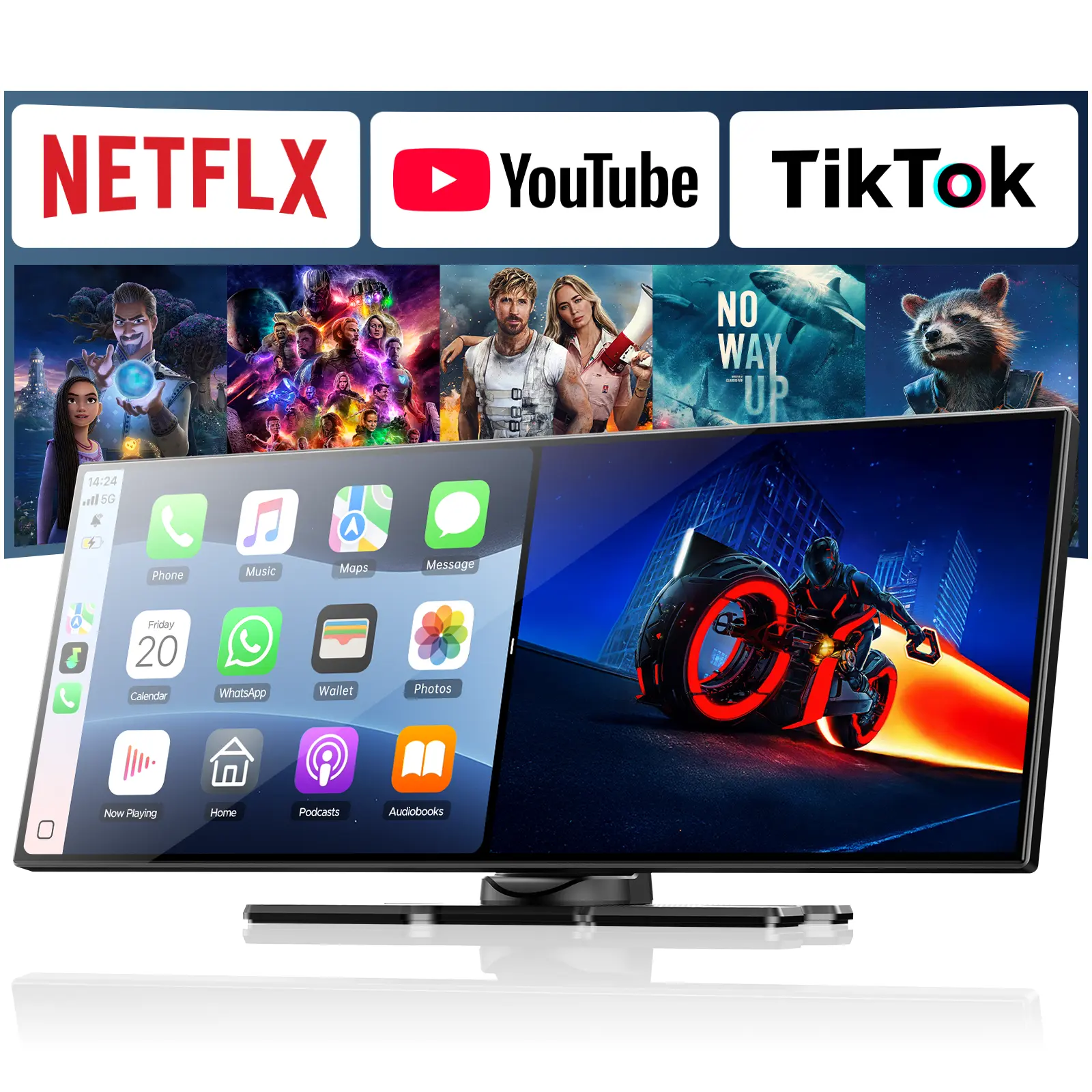
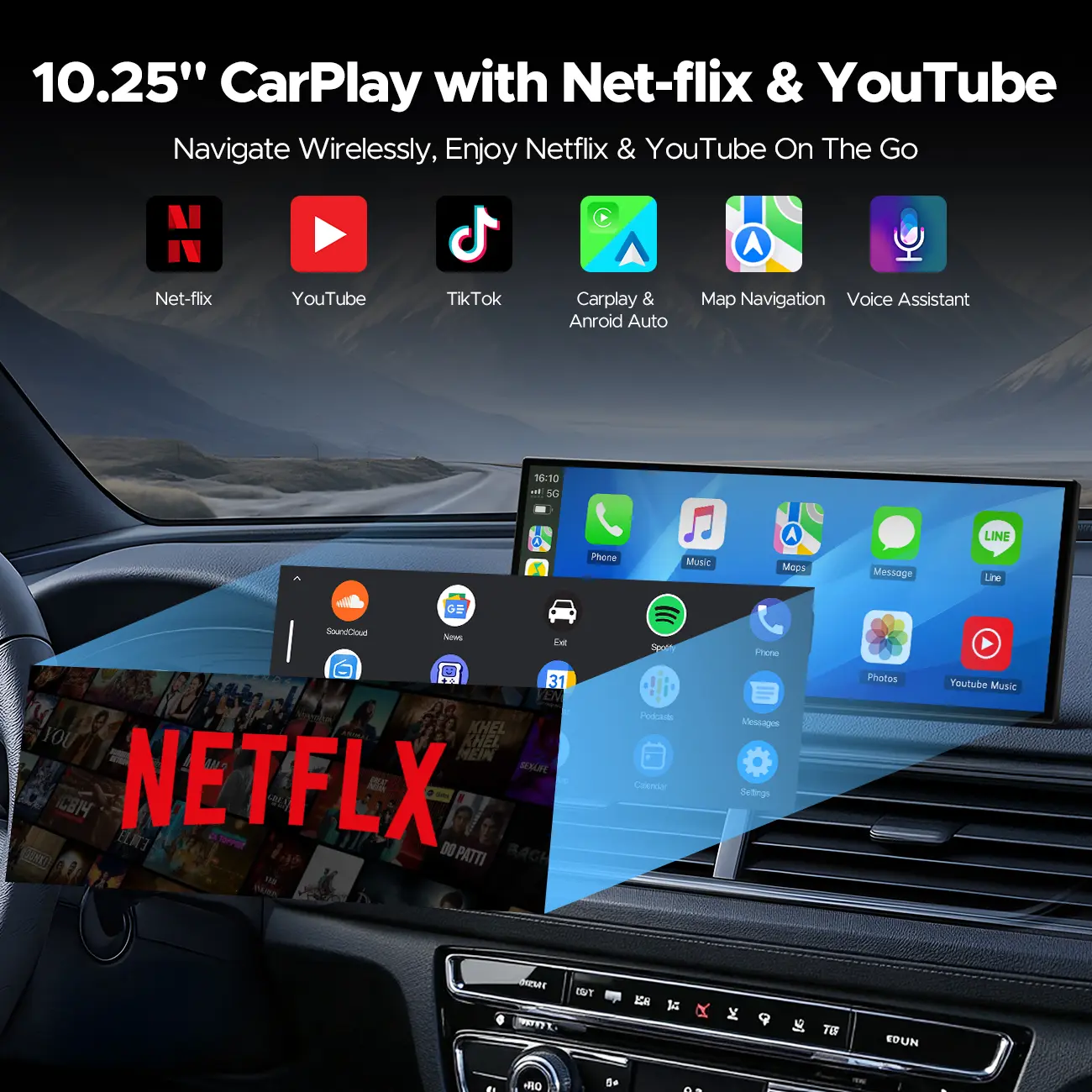
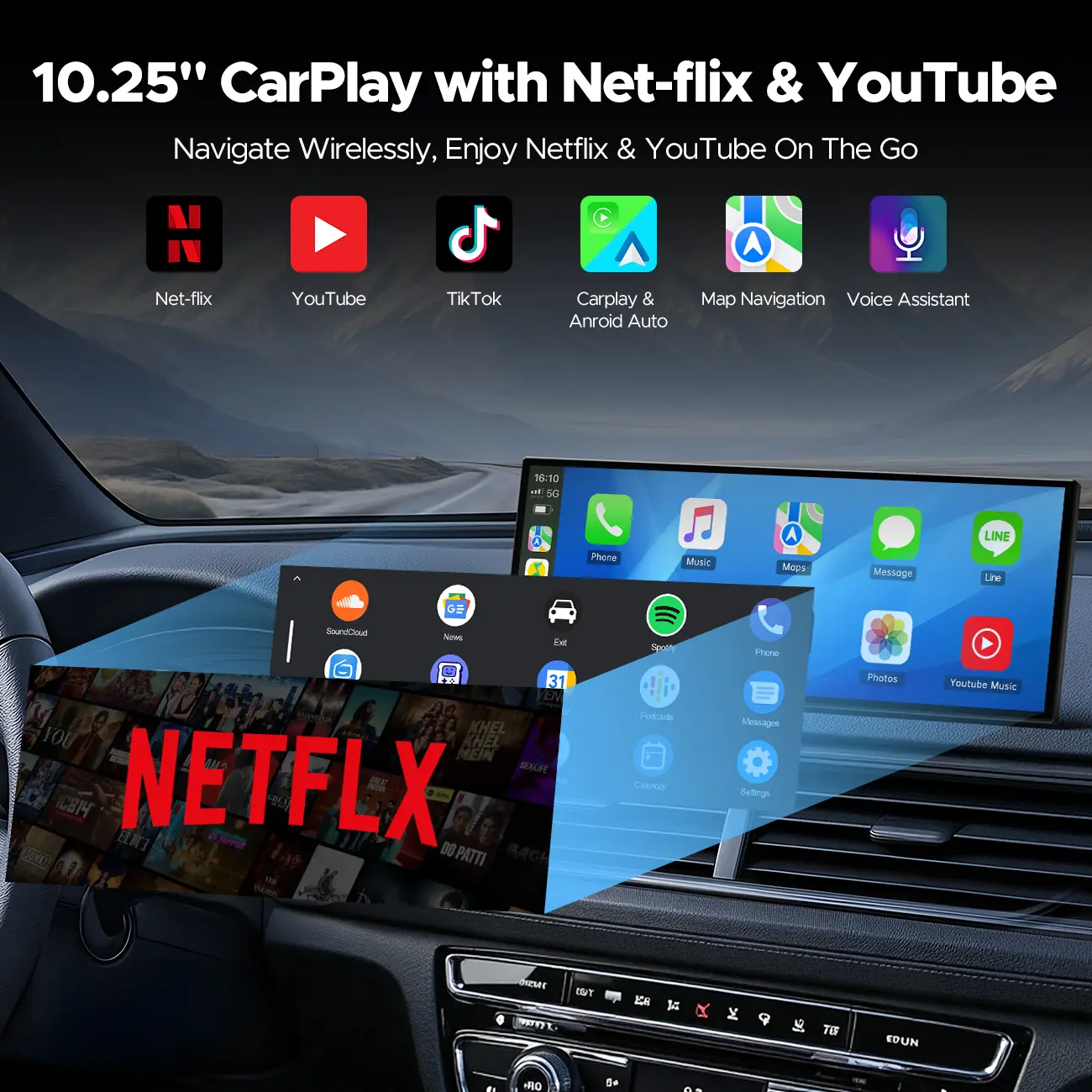
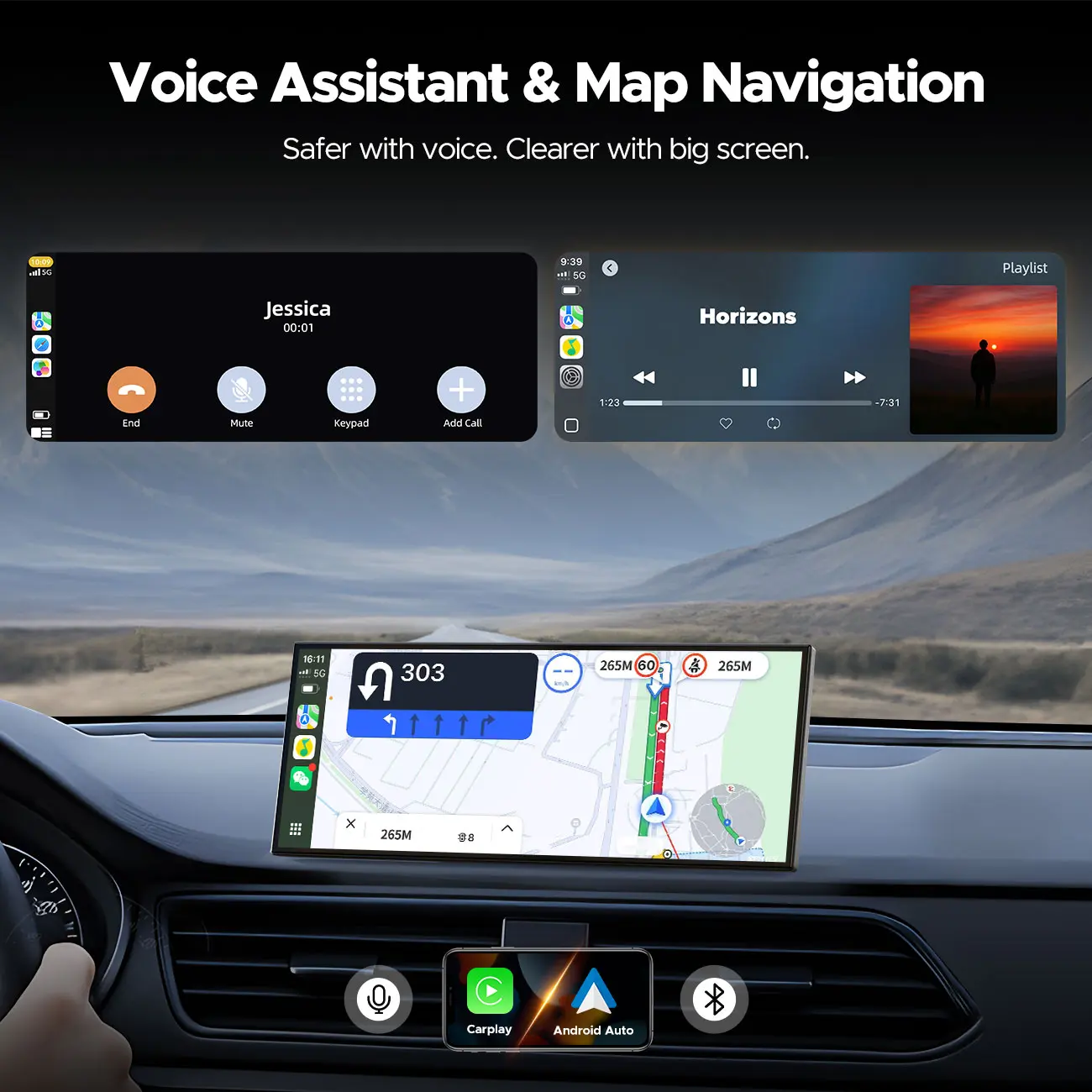
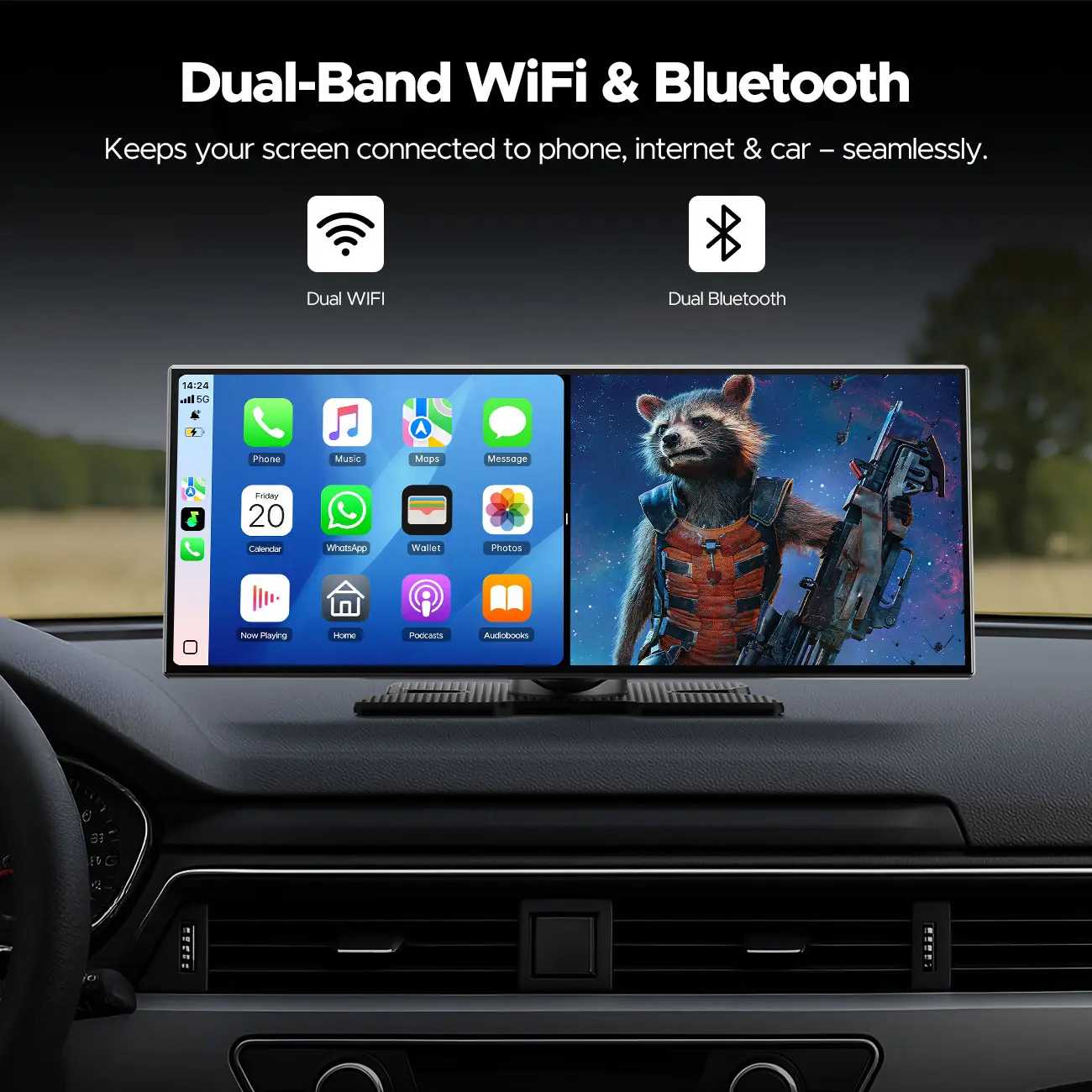
LAMTTO RC29 brings wireless CarPlay, Android Auto, and in-car streaming to any vehicle — old or new, with or without a factory screen.
(Tip:Requires a network connection; weak signal may affect performance. Avoid use in low-signal areas.)
✅ YES — This Screen Can Do:
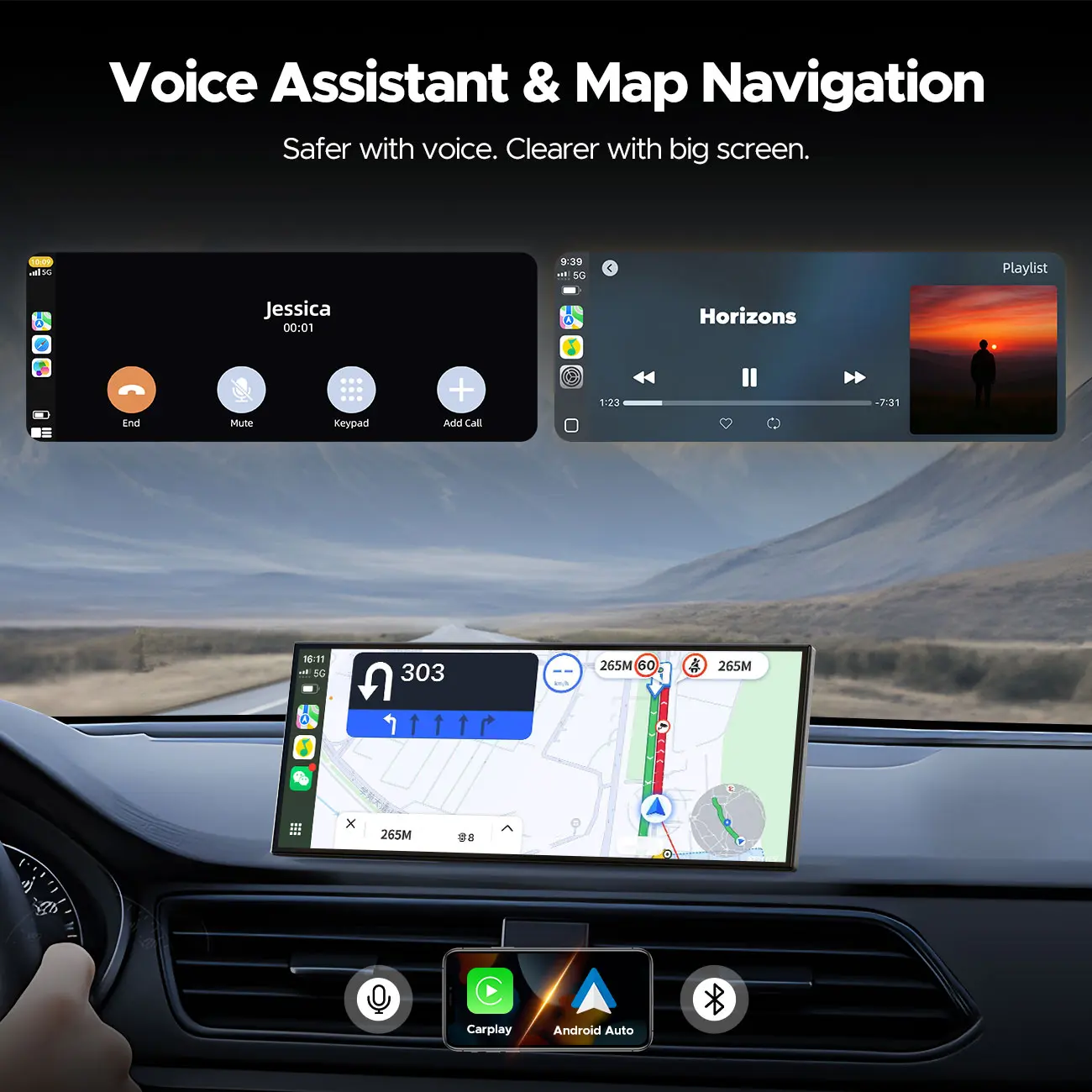
✓ Wireless Apple CarPlay (iPhone 8+)
✓ Wireless Android Auto (Android 11 and above)
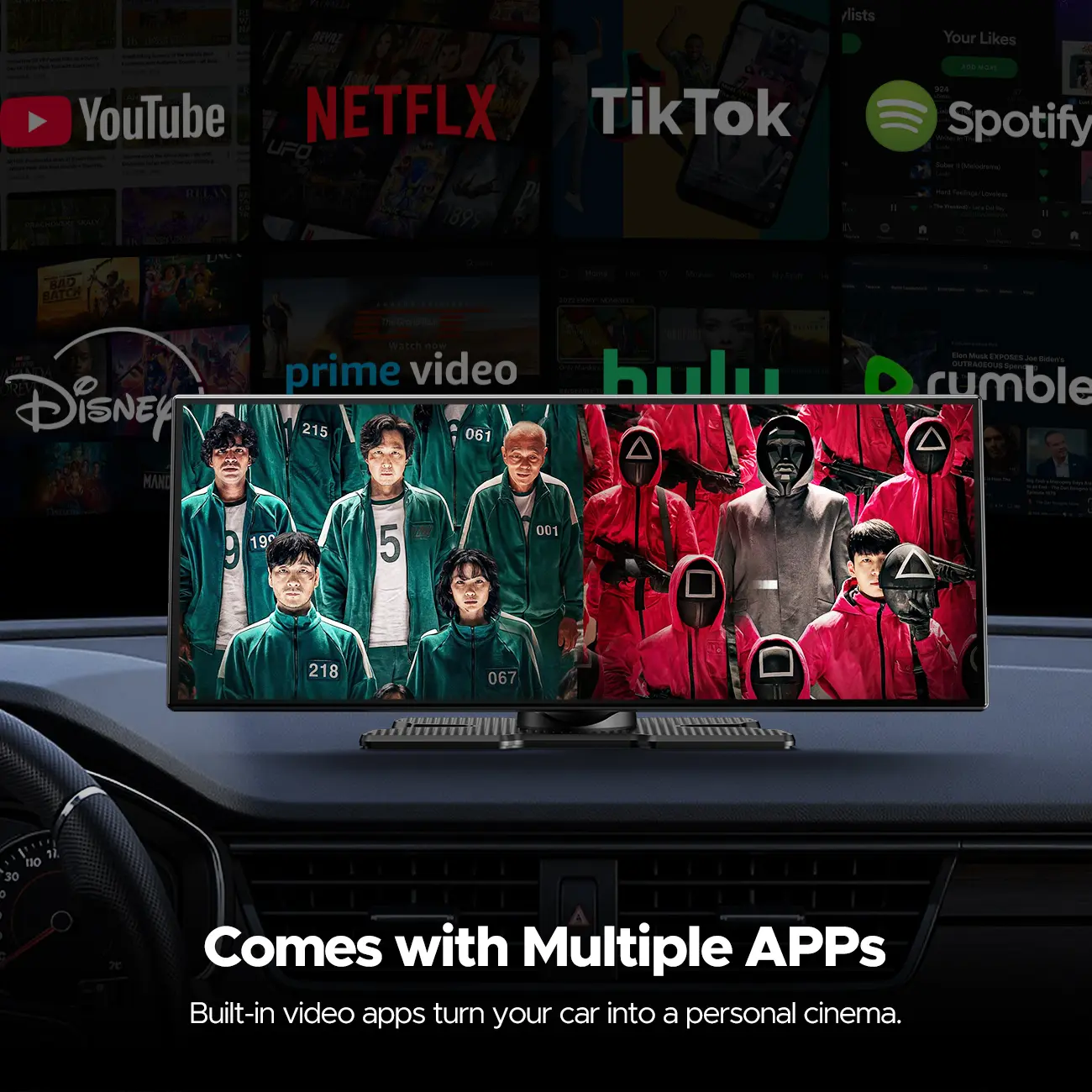
✓ Built-in Apps(Apps are PRE-INSTALLED - cannot add more apps)
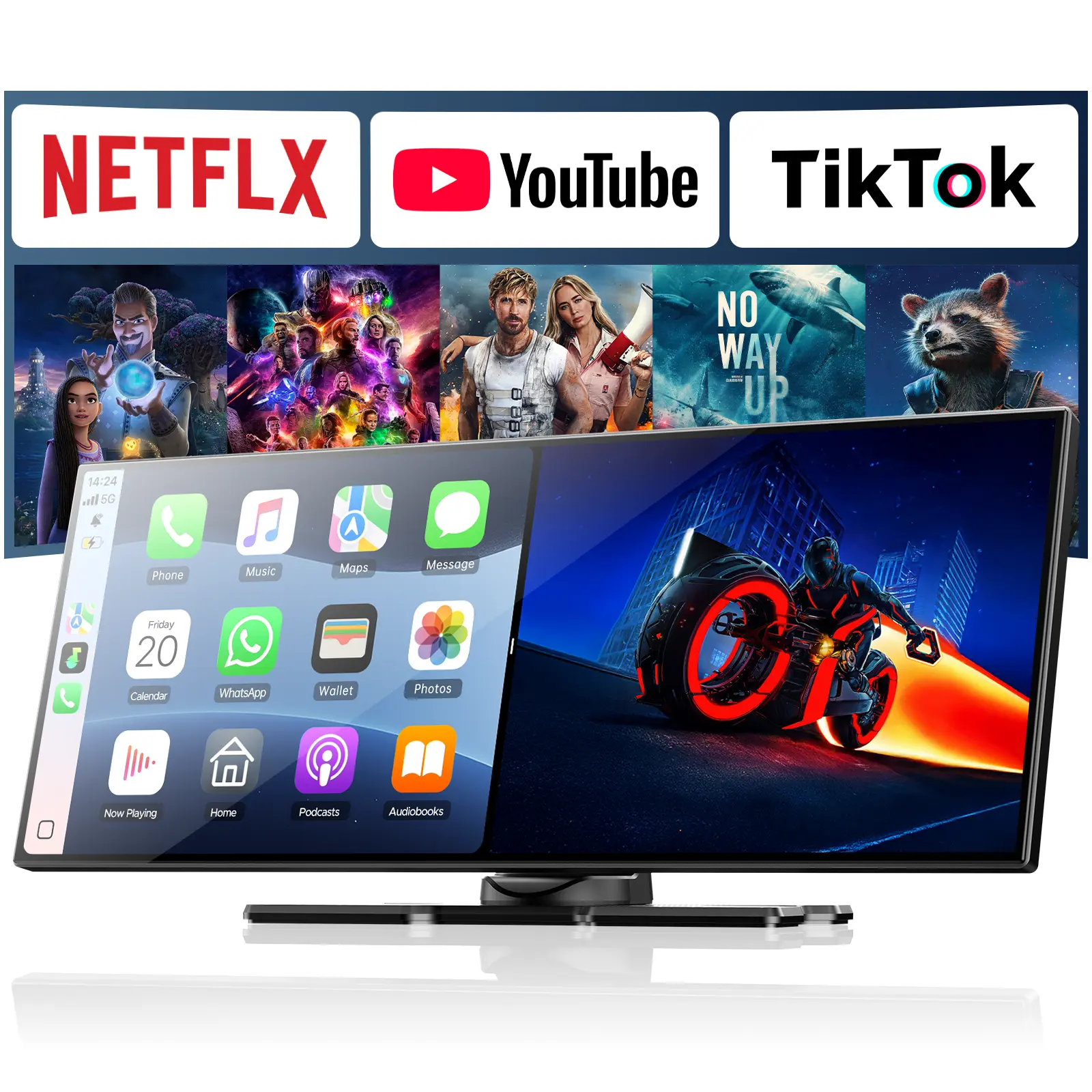
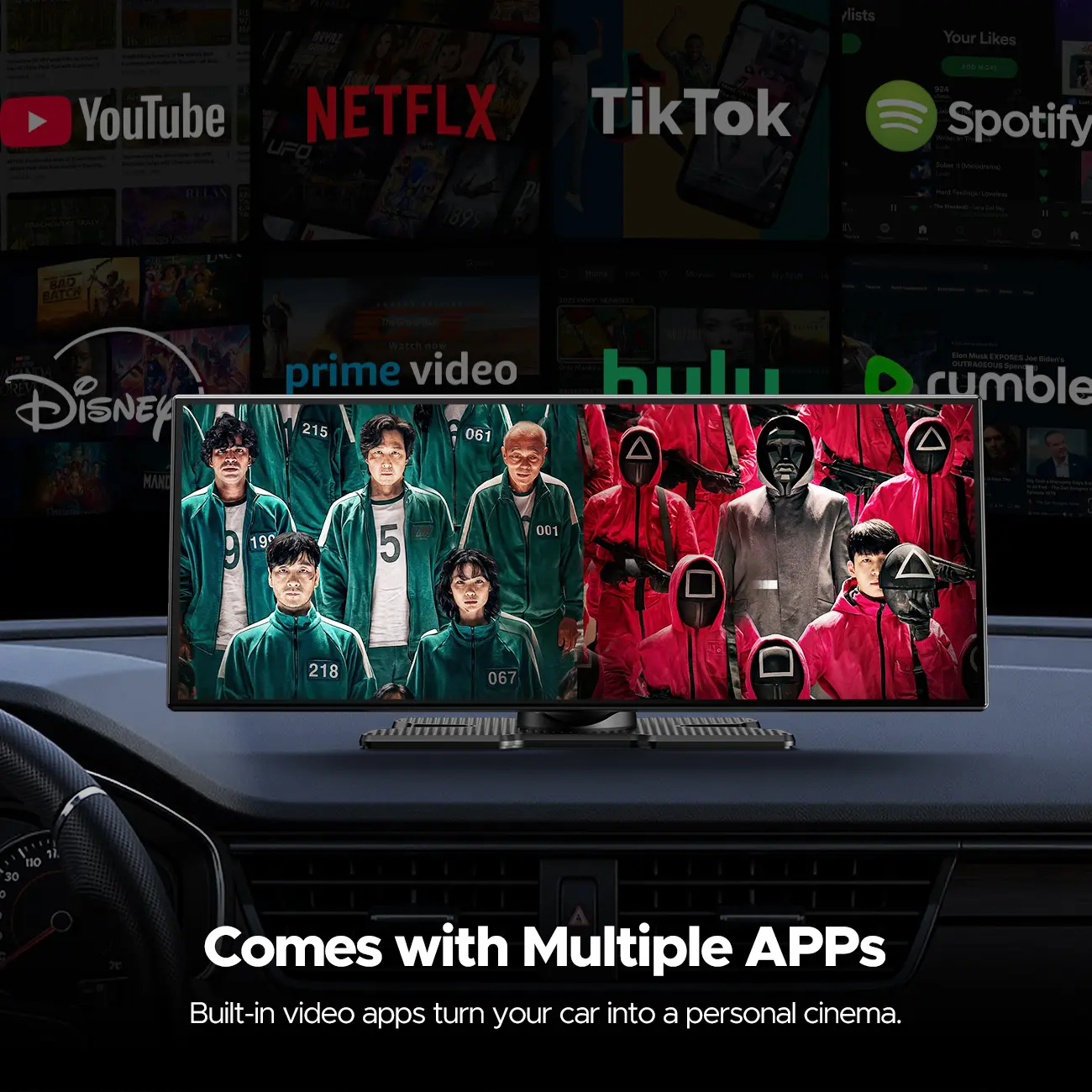
✓ Stream Netflix, YouTube, Spotify while the car is parked
(Tis:Requires a hotspot or Wi-Fi connection,recommend 4G/5G hotspot)
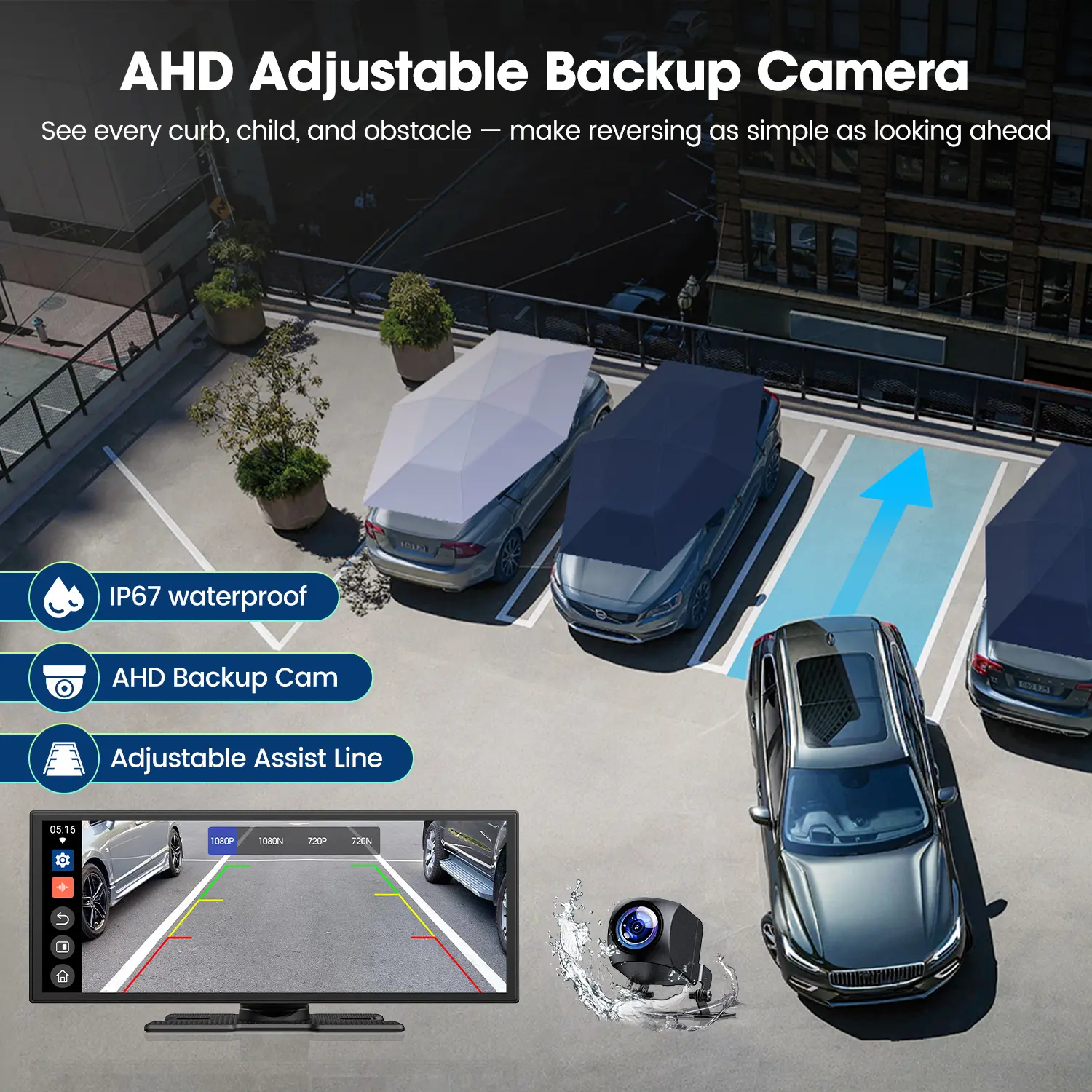
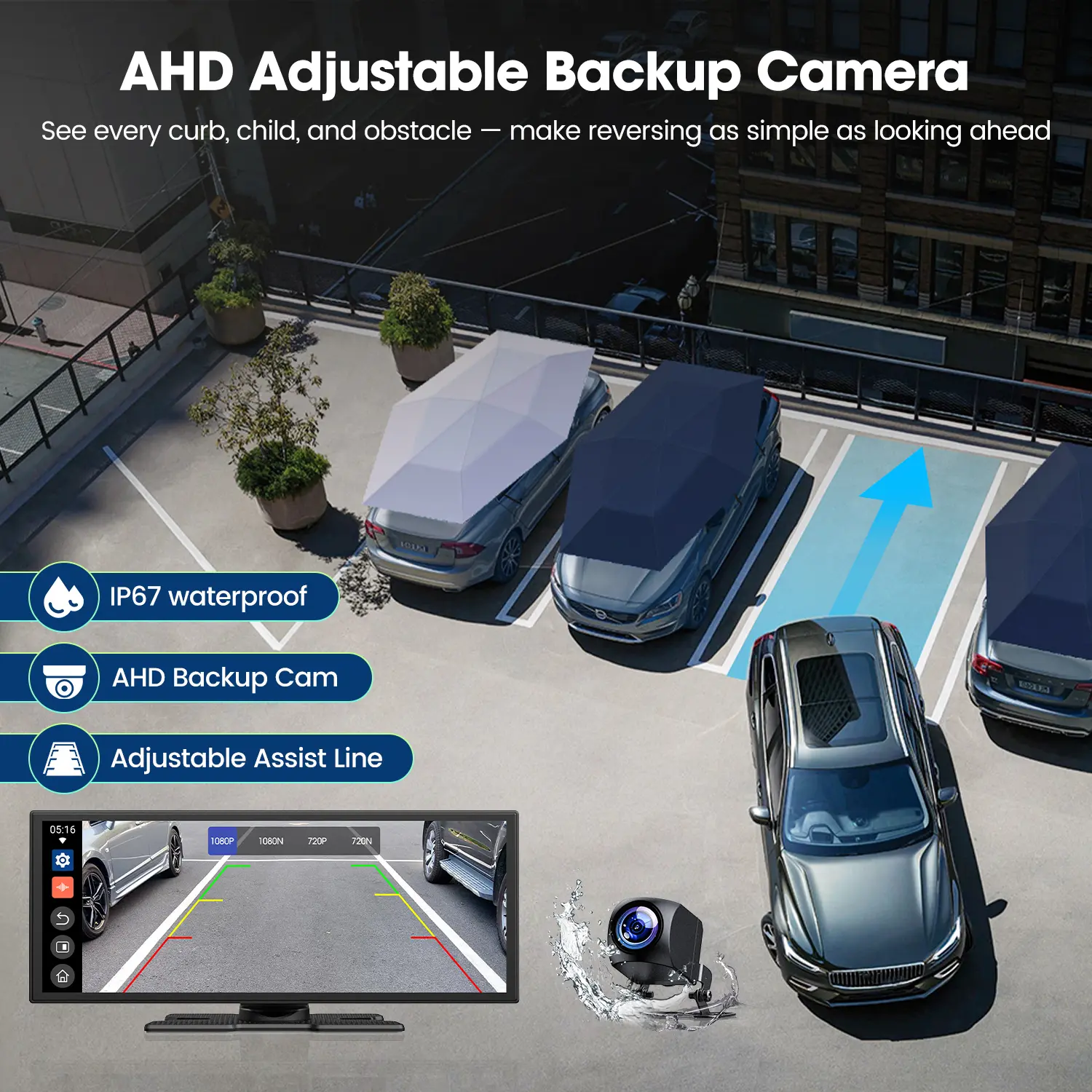
✓ View rear backup camera in real time
Tip:Rear camera does not support video recording
✓ Play audio through FM transmitter, AUX, or Bluetooth
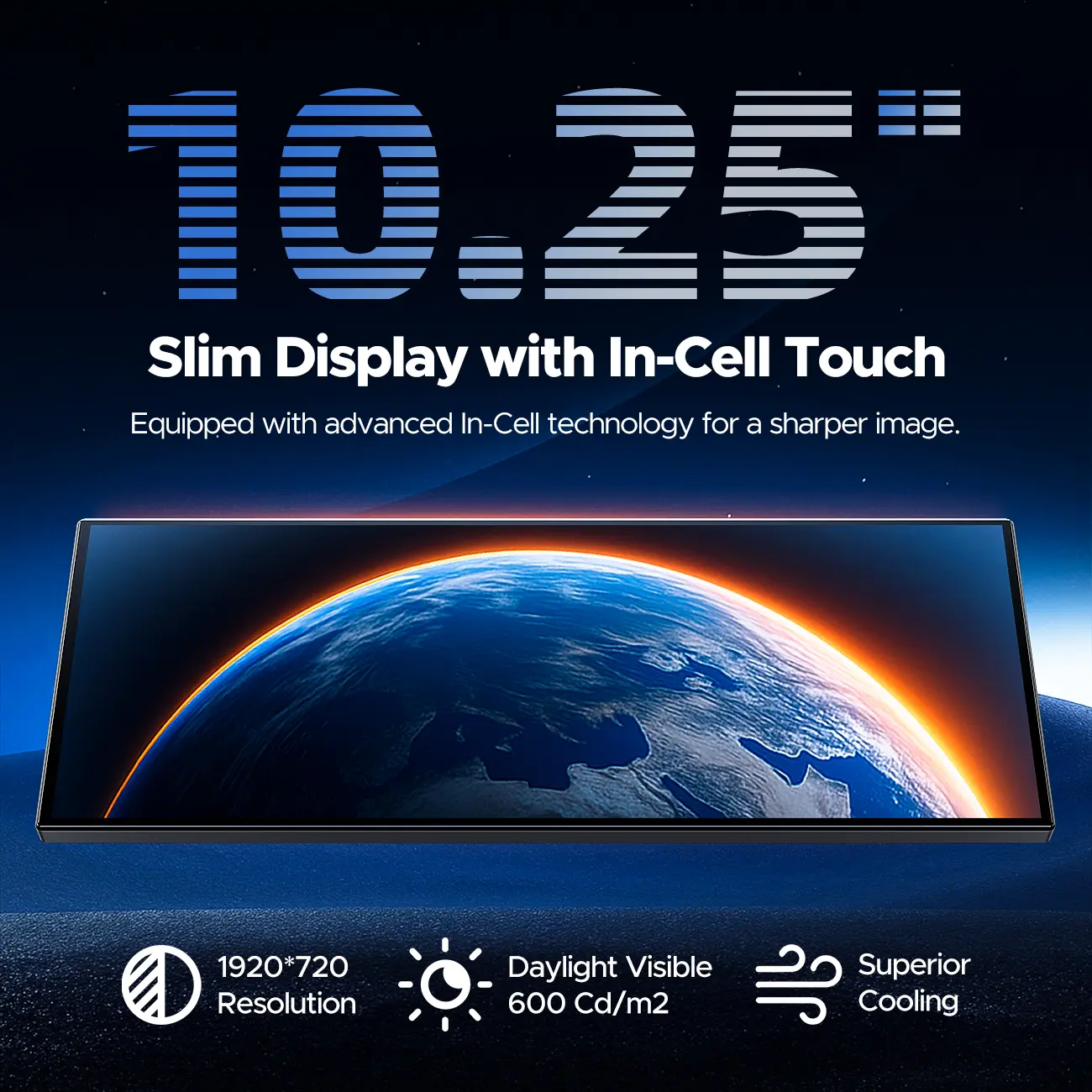
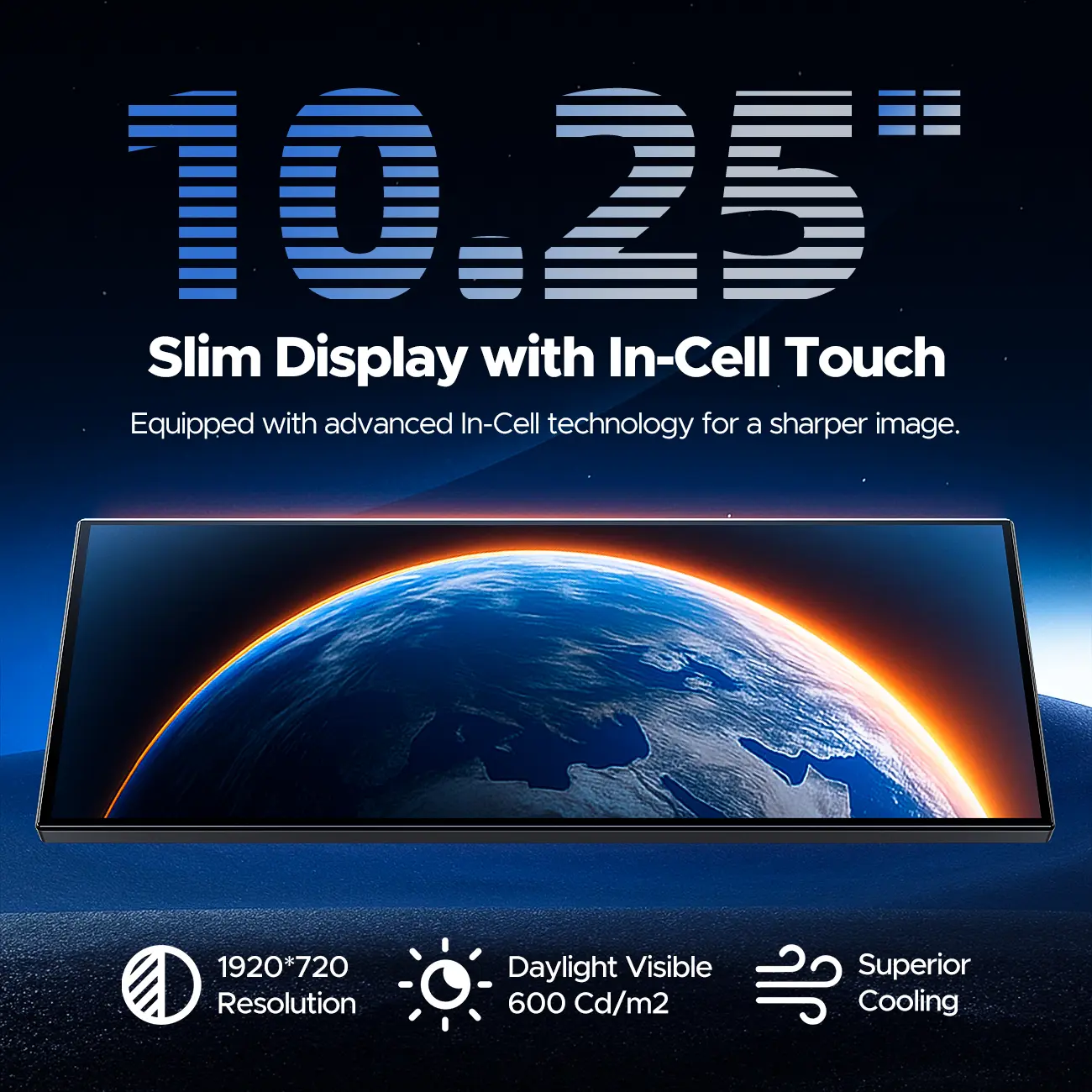
✓ 10.25" full-touch screen — easy to see, easy to use(measure your dashboard space before ordering)
🖥Screen size: 265 mm × 105 mm (excluding base)Base size: approximately 10–12 mm (adjustable up and down after installation)
🎶Audio Transmission & Connection Methods
Bluetooth Connect to Car Speaker:
1.Go to Settings
2.Tap Bluetooth
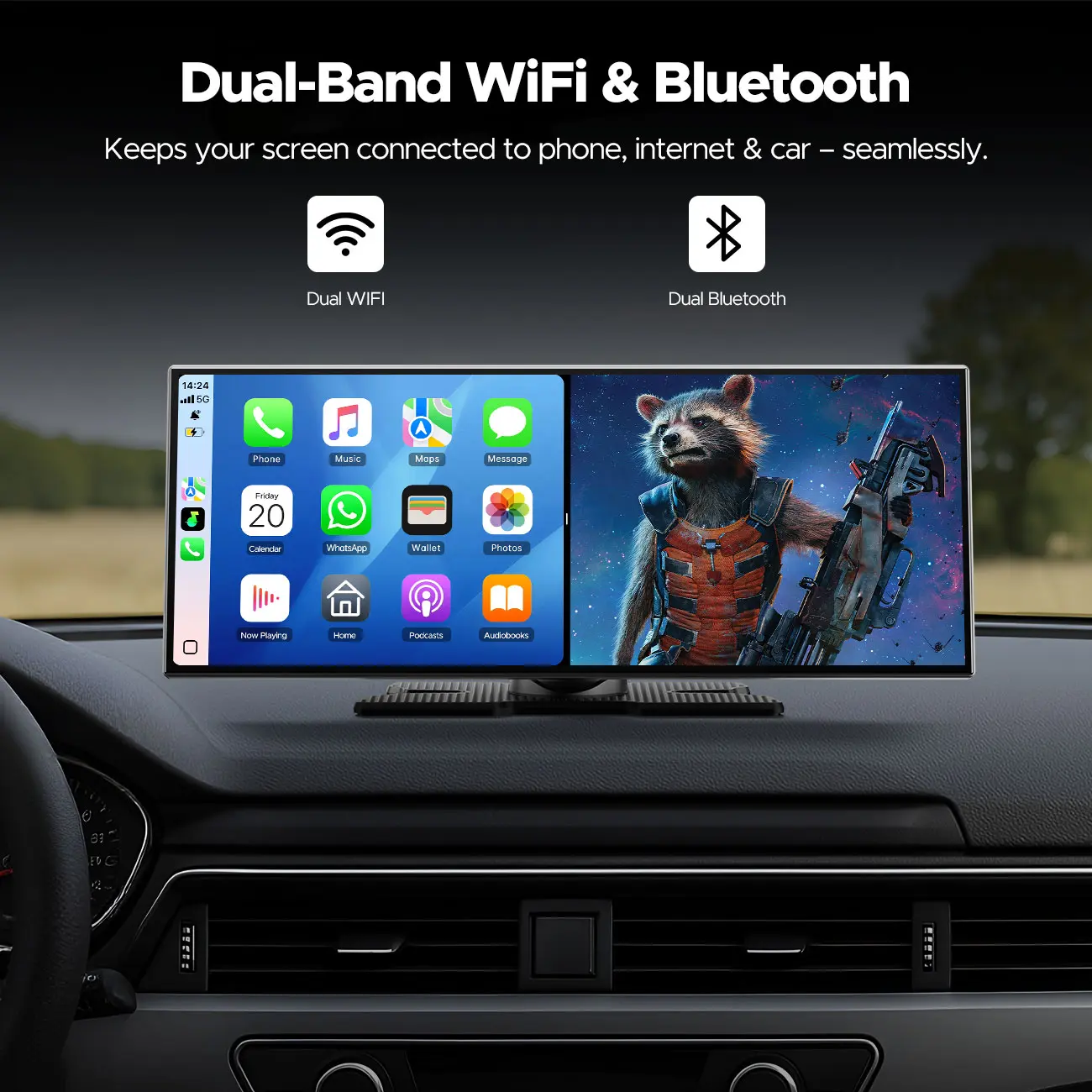
3.Turn on Bluetooth, then selectyour car's audio system to pair.
Connect to your car audio via FM:
1. Go to “Settings”
2. Tap “Bluetooth” and select “FM” (the FM frequency will be shown on the screen)
3. Set your car radio FM frequency to match the screen display to complete pairing
Tip: Please avoid using the FM transmission function in areas with weak signal, as unstable signal may cause audio noise or delay.
AUX Connection:
Simply connect the AUX cable between the screen and your car system.
![[Summervibes] LAMTTO 10.25" Big Wireless CarPlay Screen Watch Youtube/Netflix/TikTok While Parked Auto-Connect, iPhone 8–15+ & Android 11+ Any Car Upgrade](https://img-va.myshopline.com/image/store/1777448097904/f2d525a41d3846f8914a6b124644397e.jpeg?w=600&h=450 "[Summervibes] LAMTTO 10.25\" Big Wireless CarPlay Screen Watch Youtube/Netflix/TikTok While Parked Auto-Connect, iPhone 8–15+ & Android 11+ Any Car Upgrade")
Camera Connection:
Plug the camera’s AHD connector into the CarPlay screen, and connect the red wire to the reverse light positive (required, otherwise it will not work).
❌ NO — This Screen Does NOT:
✗ Does NOT have a front camera or dashcam — backup camera only
✗ Apps do NOT run on cellular data automatically — hotspot or Wi-Fi required
✗ Does NOT replace your factory car audio system — uses FM/AUX/BT for sound
✗ Does NOT have a built-in SIM card or LTE
✗ Mirroring function is not supported
✗ Unable to download applications
Compatible with:
• iPhones that support Apple CarPlay
• Android phones that support Android Auto
Important: This device is a display screen only. Apple CarPlay and Android Auto run from your smartphone. A compatible phone is required
Not compatible with Xiaomi and Huawei devices
⚡ Quick Setup — 3 Steps Only:
Step 1: Attach the mount to your dashboard
Step 2: Plug the power cable into your cigarette lighter
Step 3: Connect CarPlay or Android Auto — done ✅
⚡Product power supply method: cigarette lighter powered, 12–24V. Low voltage may cause instability and related issues. Please ensure that the vehicle’s cigarette lighter voltage is within the supported range.
🔧 Need Help?
Our support team responds within 24 hours — we'll walk you through any issue.
Connection settings:
1.Turn on the WlFl and Bluetooth on your iPhone
2.Connect to the Bluetooth with the name T88-XXXX
3.Allow the connection
4.Use carplay
5.Wait 10-15 seconds for a successful connection
📦 Package Includes:
✓ RC29 10.25" Screen × 1
✓ Cigarette Lighter Cable × 1
✓ Dashboard Suction Mount × 1
✓ Backup Camera × 1
✓ AUX + FM Adapter × 1
✓ Instruction Guide × 1
loading